






Stage 04 · Finishing the job
Need to snag your new home? Need to snag multiple projects?
Snagging means checking works for defects. Snag Pro records every defect with a clear record of status and proof trail, all the way to completion. Whether it's for one new home or multiple projects.
- Simple step by step formats
- Pin Drawings, Attach Photos and Sign Offs
- Detailed Snag Reports
- QR Identification
1 or 100
snag a single home or a whole development
9 reports
including a final hand-over report
3 photo stages
defect, progress and finished fix

Sound familiar?
A new home, a flat or a finished site always has defects. They end up as a phone full of photos and a long email chain, and nobody can prove what was fixed. Every defect here gets a status, a person responsible, a deadline and photos at each stage.
How it helps
Snagging means checking a new build for defects. Snag Pro gives every defect a clear record, a status and proof it's fixed, for one home or a hundred.
What you can do
Everything Snag Pro does for you.
Pin it on the drawing
Drop a pin on the drawing or floor plan, so the builder knows exactly where the problem is.
Your building, laid out
Set up the rooms and floors of a house, a flat or a whole site. Use a template, add them by hand or upload a spreadsheet.
No skipping steps
A defect can't jump ahead. If it's rejected, it goes straight back to whoever needs to fix it.
Photos at every stage
Add photos of the defect, the work in progress and the finished fix.
Checklists and sign-off
Build your own inspection checklists. Get sign-off from the right person.
Reports ready to send
Choose from nine kinds of report, including a final report to hand over once everything is signed off.
How it works
From first click to done, in four steps.
- 1
Lay out the home or building
Set up the rooms and floors of a house, a flat or a whole site. Use a template, add them by hand or upload a spreadsheet.
- 2
Find and assign
Log a defect with photos, pin it on the drawing and give it to a person or a whole company.
- 3
Fix and check
The fixer marks it ready. An inspector approves it or sends it straight back.
- 4
Sign off
When everything is signed off, send a final report to the builder, developer or client.

Take a look inside Snag Pro
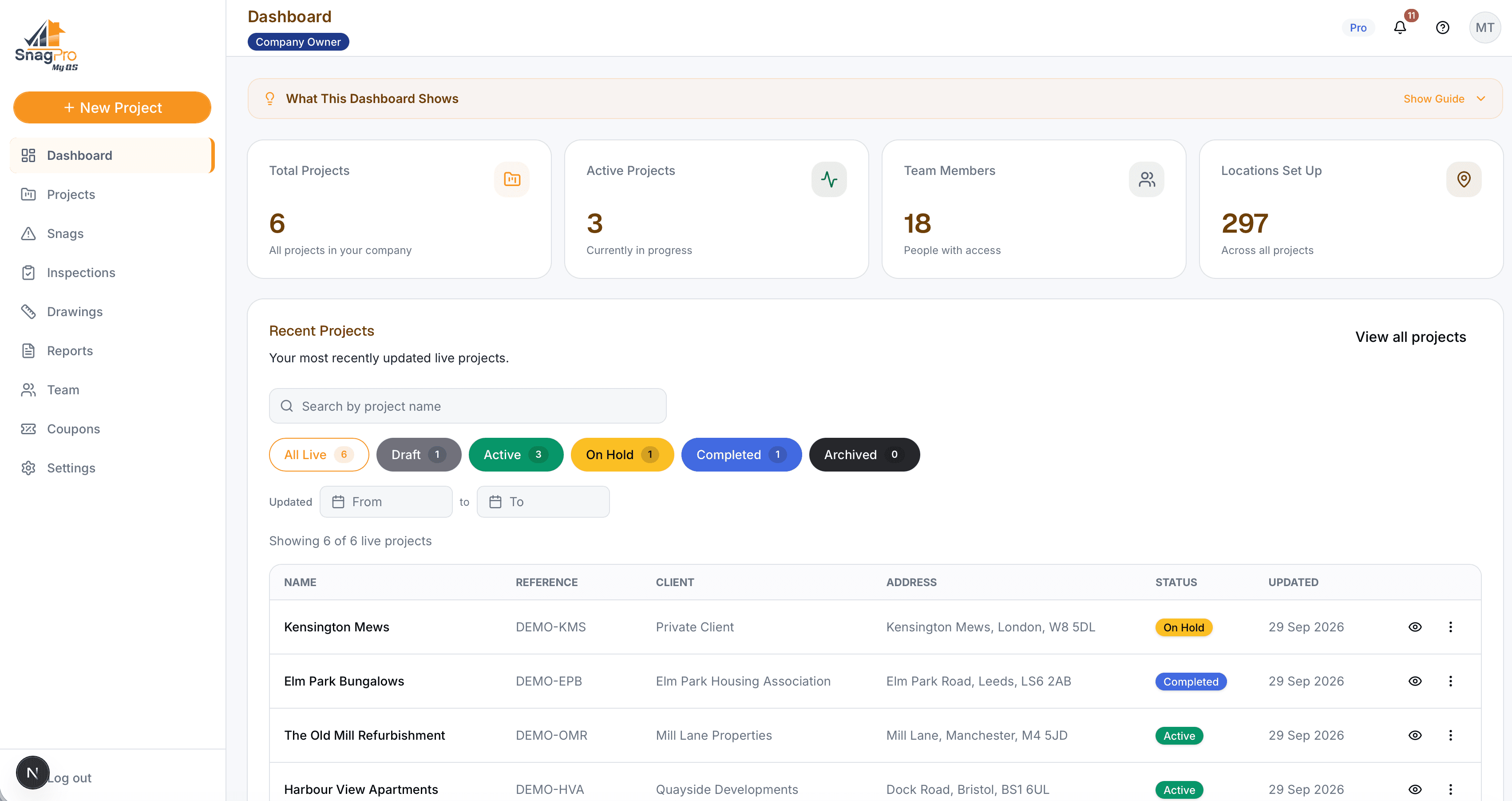
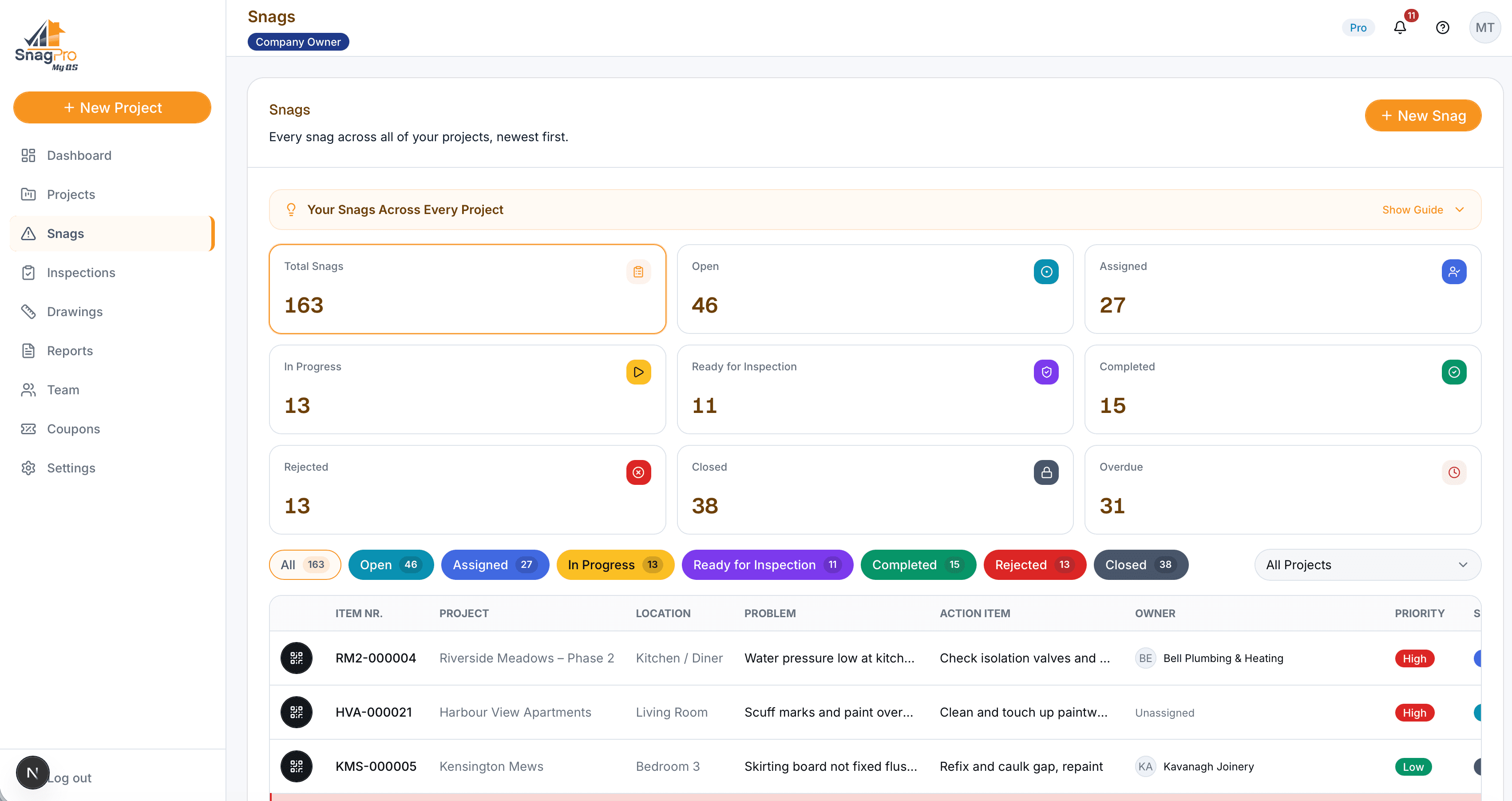
This is where defects are logged, given to the right person and signed off. Click any screen to see it bigger.
Who it’s for
Made for the people who use it every day.

New Home Buyers
Homeowners Snagging One Property
Walk your new home room by room and record every defect with photos. Send the builder a clear list, and tick each one off when it's fixed.
Independent Inspectors
Snagging Professionals and Surveyors
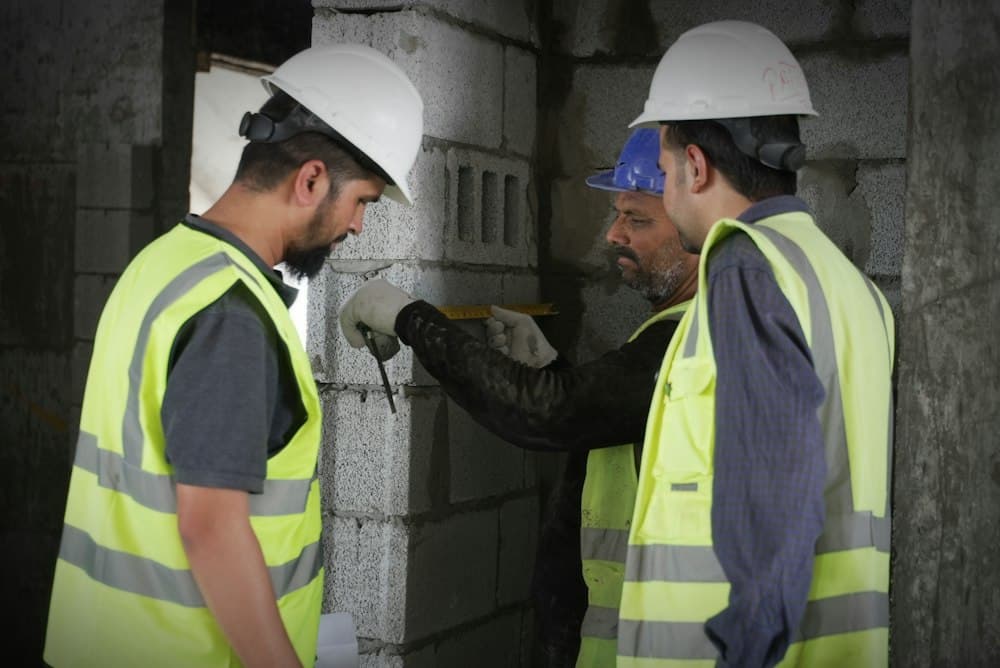
Inspect for your clients, pin each defect on the plan and hand over a report that is ready to send.
Main Contractors and Developers
Project Managers and Site Teams
Keep every defect across your sites in one list, each with a person responsible, a deadline and photos at each stage.
Subcontractors and Clients
Trades, Inspectors and Clients
Each person sees the snags they need to act on, and the client can see progress to handover.
Pricing
Start with one home, or run a whole site
Per Project covers one project from start to finish, so it suits snagging a single home or one development. Unlimited Projects covers as many projects as you run.
Per Project
One project
£39/ €45 / $52 a month
Unlimited Projects
Every project you run
£69/ €79 / $93 a month

Ready to try Snag Pro?
Pick your plan and get going. Add another app whenever you need it.